

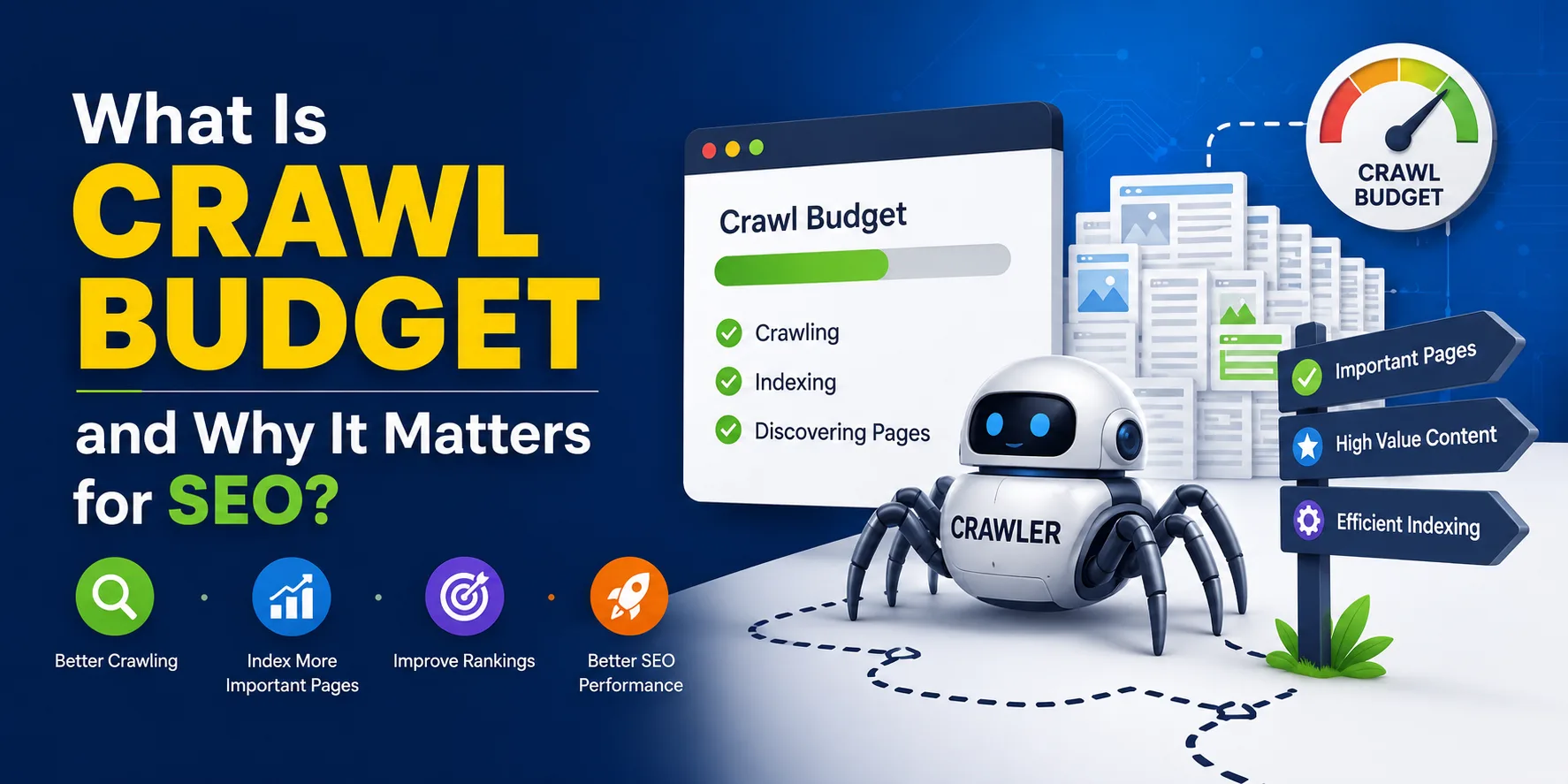
Search engines do not have unlimited time to spend on every website. Each time Googlebot visits your site, it works within a set allowance of pages it can crawl before moving on.
This allowance is called crawl budget SEO, and it quietly shapes whether your content gets discovered, indexed, and ranked at all. Most small sites never bump into this limit.
But for larger or fast-growing websites, understanding how it works can mean the difference between fresh content showing up in search results quickly or sitting unseen for weeks.
What Is Crawl Budget?
Crawl budget is the number of URLs a search engine bot, like Googlebot, will crawl on your website within a given timeframe. this is not a fixed number handed out once. It shifts based on your site’s size, health, and how often your content changes.
so, it can helps to separate three terms that often get blurred together: crawling, indexing, and ranking. Crawling is simply Google visiting a URL to see what is there. Indexing is Google deciding to store that page in its database.
Ranking is where that page lands in search results, if it ranks at all. A page can be crawled and never indexed. It can be indexed and still rank poorly. Crawl budget only controls the first step, but without that step, nothing else can happen.
How Does Crawl Budget Work?
Googlebot does not just crawl randomly. It follows a process.
First, it discovers URLs through sitemaps, internal links, backlinks, and previously known pages. Those URLs get placed into a crawl queue and prioritized based on importance and demand.
Googlebot then visits the pages according to your site’s available crawl budget. Once crawled, the content gets processed and, if it meets Google’s quality bar, added to the index.
If your site has 100,000 URLs and Google’s daily crawl allowance only covers 10,000 of them, full coverage could take over a week, assuming demand and server health stay consistent. If they don’t, some pages may go uncrawled for much longer.
Why Does Crawl Budget Matter for SEO?
If Google never crawls a page, it cannot index it. If it is not indexed, it cannot rank for anything, no matter how well optimized the content is. This is the core reason crawl budget optimization matters.
A few specific benefits stand out:
- Important pages get found faster. New product launches, updated guides, or seasonal landing pages get discovered sooner.
- Server load stays manageable. Crawlers visiting fewer low-value pages means less strain on your hosting resources.
- Crawl resources go where they count. Bots spend less time on duplicate or thin pages and more time on content that actually drives traffic.
It is worth noting that crawl budget itself is not a ranking factor. Google has said as much directly. What it affects is discoverability. A page that never gets crawled has zero chance of ranking, regardless of how good the content is.
Does Crawl Budget Matter for Every Website?
Not really. Most small to medium sites with a few hundred or thousand well-structured pages get crawled just fine without any special intervention.
According to Google’s own guidance, it becomes a real consideration for:
- Large sites with 1 million or more pages that update roughly once a week
- Sites with 10,000 or more pages that update daily
- Sites where Search Console flags many URLs as “Discovered, currently not indexed”
Even a mid-sized ecommerce store with heavy faceted navigation can run into crawl inefficiencies long before hitting a million pages.
How Search Engines Determine Crawl Budget
Google calculates crawl budget using two main components working together.
Crawl Capacity Limit
This is the maximum number of simultaneous connections Googlebot can make to your site without overwhelming your server. It depends on:
- Server response time. Slower sites get crawled less aggressively.
- Server errors. Frequent 5xx errors signal Google to pull back.
- Manual settings in Search Console. You can lower the crawl rate, though you can no longer raise it manually since Google removed that control option.
If your site responds quickly and reliably, this limit tends to increase over time. If it slows down or throws errors, Google scales back automatically.
Crawl Demand
Even if your server could technically handle thousands of crawl requests, Google will not bother unless there is a reason to. Crawl demand depends on:
- Popularity. Pages with strong backlink profiles or high traffic get prioritized.
- Freshness. Frequently updated content tends to get revisited more often.
- Staleness checks. Google periodically rechecks older pages just to confirm nothing has changed.
- Content quality. Duplicate or low-value URLs reduce overall demand for crawling your site.
Crawl Budget vs Indexing
These two concepts get confused constantly, so it is worth clarifying. Crawl budget governs how much of your site Google visits. Indexing governs whether what it finds gets stored and made eligible to rank.
A page can be crawled repeatedly and still never get indexed if the content is thin, duplicated elsewhere, blocked by a noindex tag, or simply not considered valuable enough. Improving your crawl efficiency does not automatically guarantee better indexing. Content quality and proper indexability signals still carry their own weight.
How to Check Your Crawl Activity
You do not need to guess whether crawl budget is an issue for your site. Google gives you direct visibility into it.
Using Google Search Console
Inside the Crawl Stats report, found under Settings, you can see:
- Total crawl requests made over the past 90 days
- Total download size of everything Googlebot fetched
- Average response time from your server
- Host status, which flags any connectivity, DNS, or robots.txt fetching problems
- Crawl requests breakdown, sorted by response code, file type, purpose, and bot type
Checking Server Logs
Server logs record every single visit to your site, including bot traffic. Reviewing them with a log analyzer tool shows you exactly which URLs Googlebot is requesting and how often, which is often more precise than Search Console alone.
Using Third-Party Tools
Tools like Screaming Frog, Ahrefs, and dedicated site audit platforms can simulate crawls at scale and highlight where your crawl budget might be getting wasted, particularly useful for sites with tens of thousands of pages.
Signs Your Crawl Budget Is Being Wasted
A few patterns tend to show up when crawl efficiency is suffering:
- Important pages take unusually long to get crawled or indexed
- New content sits unindexed for extended periods
- Search Console shows heavy crawling of filtered, parameter-based, or duplicate URLs
- Server response times are slow or error rates are climbing
- Key pages are buried several clicks deep with little internal linking
- Old redirect chains or crawler traps keep pulling bot attention
None of these alone confirms a serious problem, but seeing several together is usually a sign that Google is not spending its time where it should be.
Common Causes of Crawl Budget Waste
Several technical issues quietly drain crawl resources:
- Duplicate content. Forces bots to crawl near-identical pages repeatedly.
- Faceted navigation. Filter and sort combinations can generate near-infinite URL variations.
- Soft 404 errors. Broken pages returning a 200 status mislead crawlers into thinking they are valid.
- Hacked or spam pages. Still get crawled even after Google stops trying to index them.
- Redirect chains. Each extra hop eats into your budget.
- Broken links. Waste crawl attempts on dead ends.
- Orphan pages. Hard for bots to find without internal links.
- Thin content. Low-value pages dilute overall site quality signals.
External Factors That Influence Crawl Budget
Crawl budget is not entirely within your control. A few outside factors play a role too.
Backlinks remain one of the strongest external signals. Sites with high-quality links from authoritative sources tend to get crawled more frequently, since those links act as a vote of importance.
Social signals, while not a direct ranking factor, can indirectly help. Higher engagement on platforms like LinkedIn or X often drives more traffic and visibility, which search engines may interpret as a sign that content deserves more frequent visits.
How to Optimize Your Crawl Budget
Most crawl budget optimization tactics come down to cleanup and clarity. Here is what actually moves the needle.
- Improve site speed. Faster servers let Googlebot crawl more pages per visit. Compress images, minify code, and consider a content delivery network for global audiences.
- Strengthen internal linking. A logical site structure with clear hierarchies helps bots find and prioritize important pages. Link from high-traffic pages down to lower-traffic but still valuable content.
- Fix orphan pages. Every page should have at least one internal link pointing to it. If a page is no longer useful, redirect it or remove it entirely.
- Eliminate duplicate content. Use canonical tags to tell Google which version of a page matters, or consolidate similar pages with 301 redirects.
- Use robots.txt strategically. Block crawlers from low-value sections like admin pages, internal search results, or session ID variants. Avoid blocking pages that still hold SEO value.
- Keep your sitemap clean. Only include canonical, indexable URLs. Use the lastmod tag to flag recently updated content.
- Remove redirect chains. Simplify multi-hop redirects down to a single step wherever possible.
- Fix broken links. Regularly audit for 404s and update or remove dead links.
- Use proper status codes. Pages that no longer exist should return a clean 404 or 410, not a soft 404 with a misleading 200 status.
- Manage faceted navigation. Use parameter handling tools and canonical tags to prevent filter combinations from generating endless duplicate URLs.
- Add hreflang tags correctly. For multilingual or multi-region sites, proper hreflang implementation prevents Google from treating regional variants as duplicates.
- Prune thin or outdated content. Merge, update, or remove pages that no longer serve a purpose.
- Leverage structured data. Schema markup helps search engines understand your content faster and more accurately.
Crawl Budget Optimization Checklist
A quick reference for ongoing maintenance:
- Review Crawl Stats in Search Console regularly
- Check for duplicate, filtered, or low-value URLs
- Strengthen internal links to priority pages
- Clean up broken links and redirect chains
- Keep canonical and noindex signals consistent
- Maintain an updated, focused XML sitemap
- Improve server response time and page speed
- Monitor whether important pages get crawled and indexed promptly
Who Needs to Worry About Crawl Budget?
Realistically, this matters most for large websites, ecommerce stores with extensive product catalogs, publishers updating content daily, and any site experiencing unexplained indexing delays.
If you run a small business site with a few hundred pages and no major technical issues, your time is better spent elsewhere.
That said, building good habits early, like clean internal linking and avoiding duplicate content, sets you up well if your site eventually grows.
Common Crawl Budget Misconceptions
A few myths persist around this topic:
- “Crawl budget only matters for huge sites.” Mid-sized ecommerce sites with messy URL structures can run into trouble long before reaching enterprise scale.
- “More crawling automatically means better rankings.” Crawl frequency and ranking performance are not directly linked. Getting crawled more often does not guarantee a ranking boost.
- “Blocking pages with noindex saves crawl budget.” Google still has to crawl a page to see the noindex tag, so it does not reduce crawl activity the way many assume.
Conclusion
Crawl budget is not something most websites need to obsess over, but for larger or technically complex sites, it directly affects how quickly content gets discovered and indexed.
Cleaning up duplicate content, fixing broken links, and strengthening internal linking go a long way. The goal is not maximizing crawl volume. It is making sure Google spends its limited time on the pages that actually matter.
FAQs
1. What is crawl budget in simple terms?
Crawl budget is the number of pages a search engine bot will crawl on your website within a certain timeframe. It depends on your site’s server capacity and how much demand Google has to crawl your content.
2. Is crawl budget a ranking factor?
No, crawl budget itself does not directly affect rankings. It affects whether a page gets crawled and indexed in the first place, which is a prerequisite for ranking.
3. How do I check my site’s crawl budget?
The easiest way is through the Crawl Stats report in Google Search Console. It shows total crawl requests, response times, and any host status issues.
4. Does a small website need to worry about crawl budget?
Generally no. Small to medium sites with a few hundred or thousand well-structured pages usually get crawled efficiently without any special optimization.
5. Can duplicate content hurt my crawl budget?
Yes. Duplicate pages force bots to crawl the same content multiple times, wasting resources that could go toward unique, valuable pages instead.
